How to Download the Game
Final Fantasy XIV is a massively multiplayer online (MMO) RPG game that includes the base game (A Ream Reborn) and five major expansions to date: Heavensward (2015), Stormblood (2017), Shadowbringers (2019), Endwalker (2021), and Dawntrail (2024).
Expansions:
When you purchase the most recent expansion you will have also purchased access to all of the previous expansions and base game content. To continue to play future expansions, you will be required to purchase the expansion pack when it releases.
FFXIV is also a subscription based game: you will have to pay a monthly subscription price to continuously have access to your account and character.
Author’s Recommendation: If purchasing for a PC, purchase through the official FINAL FANTASY XIV website.
A Quick Look:
You can purchase the game via the following platforms:
PlayStation®
PlayStation®5, PlayStation®4
Xbox Series
Xbox Series X, Xbox Series S
PC
Windows, Mac
Steam
Windows Only
Other Topics Covered:
MogStation vs
FFXIV Online Store
The Free Trial
The Free Trial
First, let’s address the obvious choice: the free trial. Currently, the free trial allows you to play up to level 70 and the story of expansion pack Stormblood with no restrictions on play time. This means no subscriptions, no payments, and no time limit. You will be limited in a few other choices, including: your character’s race, job, limited actions and content access restrictions. Additionally, you can only have a maximum of 300,000 gil (in-game currency).
The free trial is available on all platforms.
For more information on the free trial rules. Please visit the Square Enix Support Center Rules and Policies site.
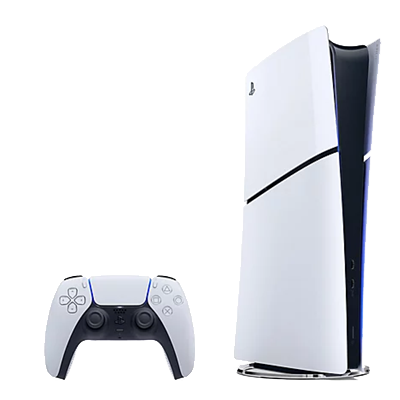
PlayStation®
Final Fantasy XIV Online is available on the Playstation platform for consoles Playstation 4 and Playstation 5. You can purchase it online here. You can also acquire the PS5 Upgrade Edition for free at this site.
There are 4 editions you can choose from:
– The Free Trial
– Starter Edition: Up to Stormblood Edition, 30 day free play period
– Complete Edition: Includies Dawntrail, 30 day free play period
– Complete Collector’s Edition: Includes Dawntrail, 30 day free play period, all Collector’s Edition in-game bonus items
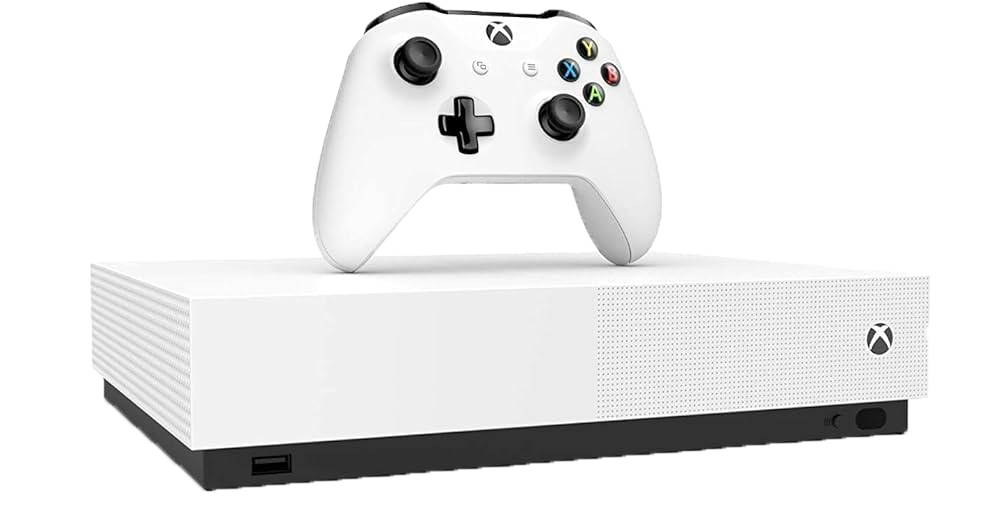
Xbox Series
Final Fantasy XIV Online is available on the Xbox platform for consoles Xbox Series X and Xbox Series S. You can purchase it online here.
There are 4 editions you can choose from:
– The Free Trial
– Starter Edition: Up to Stormblood Edition, 30 day free play period
– Complete Edition: Includies Dawntrail, 30 day free play period
– Complete Collector’s Edition: Includes Dawntrail, 30 day free play period, all Collector’s Edition in-game bonus items
PC
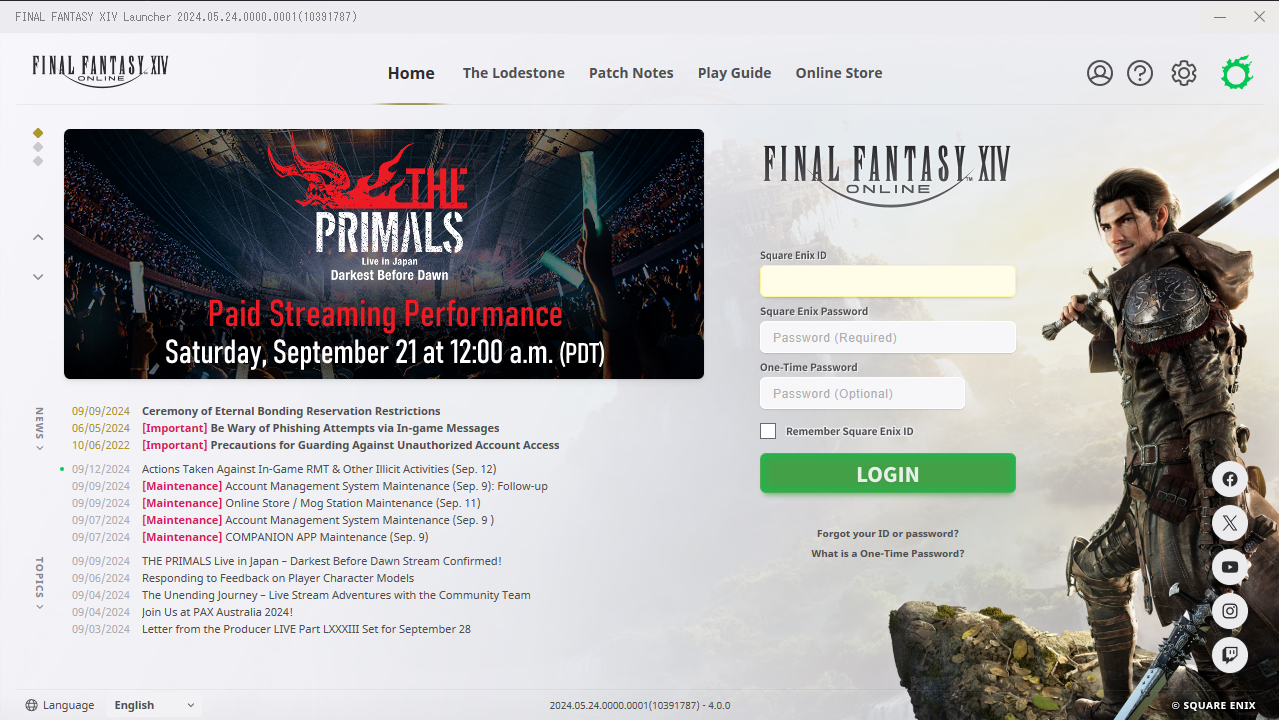
There are two ways you can acquire Final Fantasy XIV on a personal computer (PC). One is through Steam (see below) and the other is directly from the online Square Enix store. Through this site you will have the opportunity to purchase either for “PC Download” or for “Mac” depending on which operating system you own.
Editions:
You will also be able to select either the Standard or Digital Collector’s edition. With Digital Collector’s Edition will include the Standard Edition and the following in-game bonus items for Dawntrail: Ark Mount, Wind-up Garnet Minion, Chocobo Brush.
System Requirements:
There are also system requirements for Windows and Mac users. It’s recommended to check that you have the minimum system requirements prior to purchasing. For Windows users you may download and use the benchmark. Please see the following for details:
Windows/PC Users: FINAL FANTASY XIV: System Requirements Page
Mac Users: FINAL FANTASY XIV: System Requirements Page
Register your Code after Purchase:
Steam
Windows PC/Mac and Steam are treated as different platforms. If you purchase the Steam version of FFXIV, you will have to start the client from Steam as well and vice versa: you will not be able to log into a Steam Service Account using the regular FFXIV Windows client. Please note: you can only purchase FFXIV on Steam for Windows.
You will have to purchase the base game FINAL FANTASY XIV Online (Steam) in addition to the DLC FINAL FANTASY XIV: Dawntrail in order to have access to the all the current content.
REGISTER YOUR CODE AFTER PURCHASE:
You will have to register your code via the Mogstation. Please visit this Square Enix FAQ page for more instructions.
You can find your 20-digit registration code by navigating to your Steam game library, right-clicking on “FINAL FANTASY XIV Online”, selecting “Manage” and then “CD keys”. All your FFXIV codes should be listed there.

Mogstation vs FFXIV Online Store
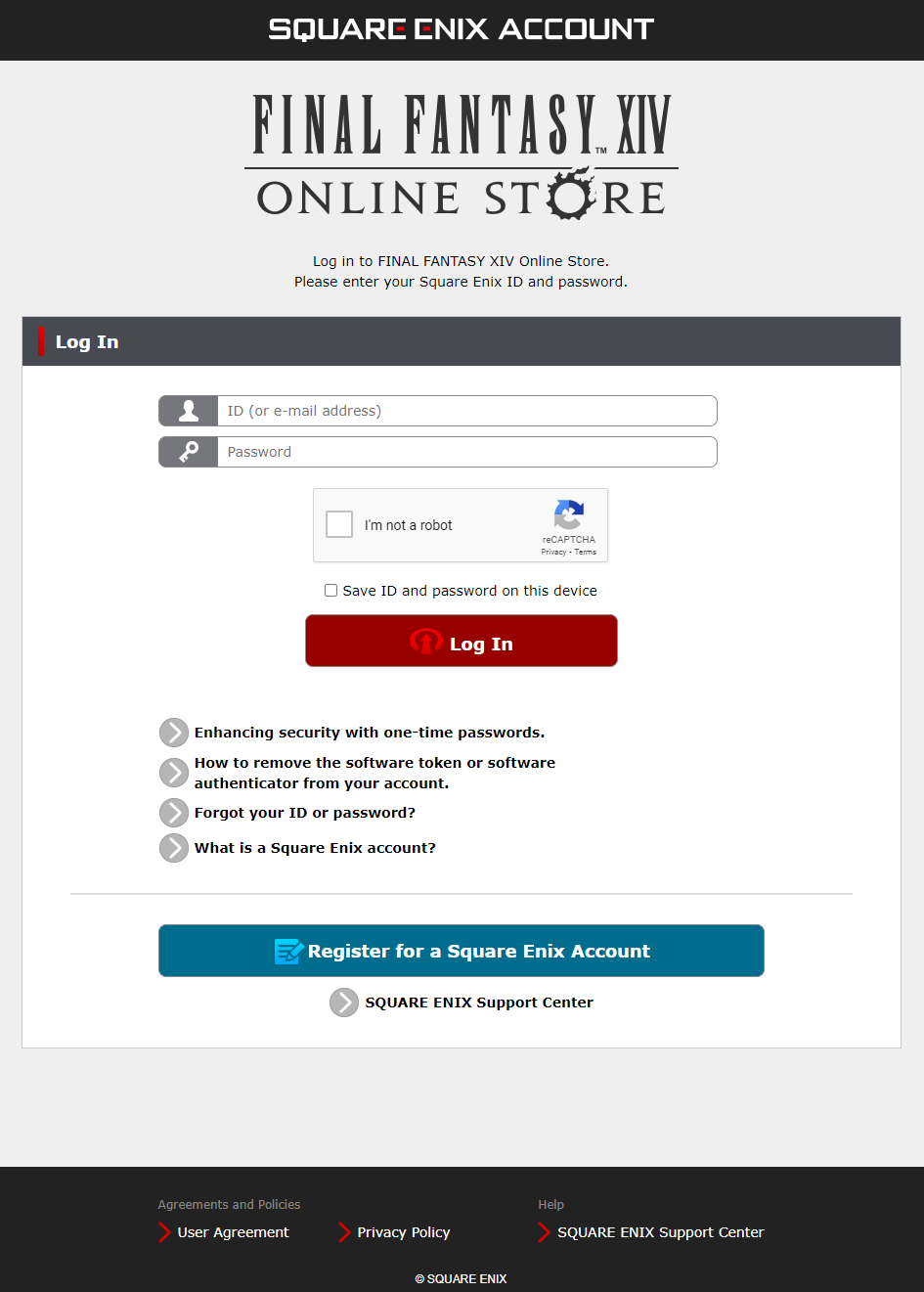
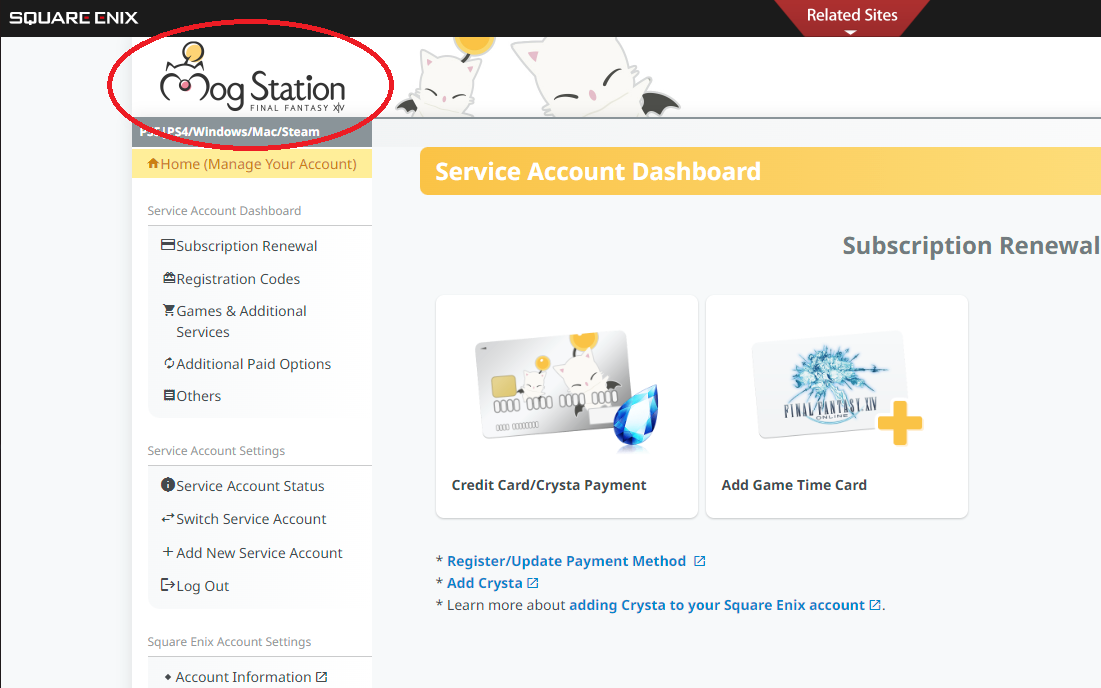
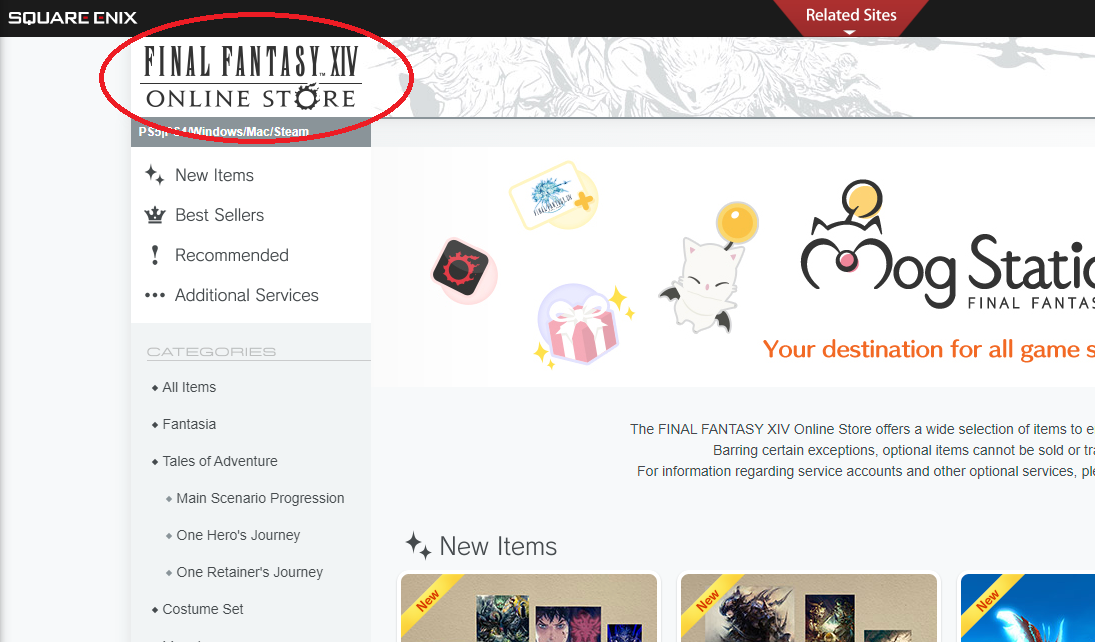
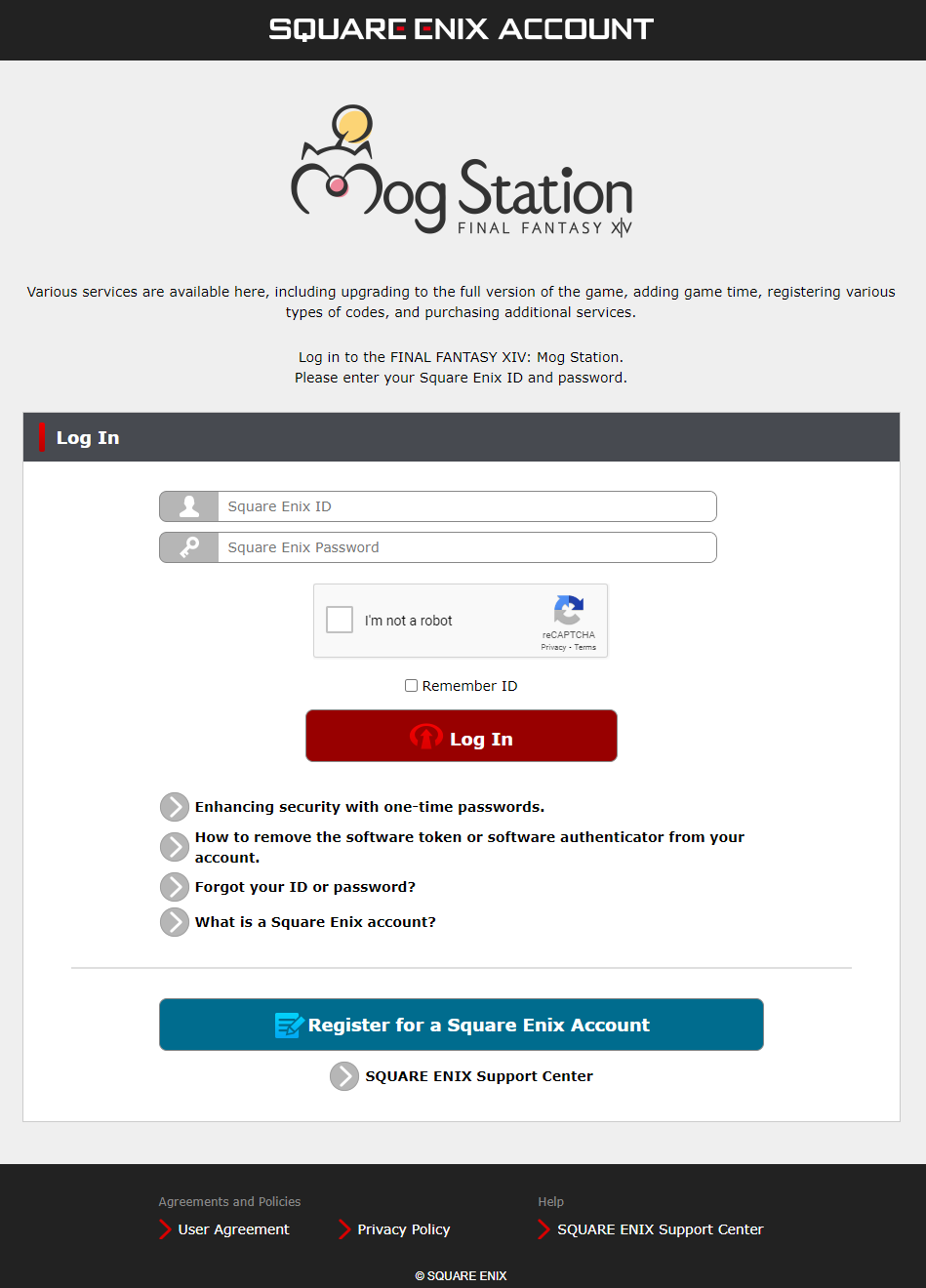
Mogstation and the FFXIV Online Store are invariably different websites with different uses but have extremly similar UI.
Mogstation:
You’ll go to Mogstation for services related to your account and character. For example: paying your subscription, redeeming item codes, home world transfers, character name changes, and additional retainers, among other services.
FFXIV Online Store:
You’ll go to the FFXIV Online Store to purchase optional in-game items and enhancers. For example: level boosters, story progression booster, glamour (a.k.a. transmogrification system), mounts, minions, furniture, and fantasias.
If you feel like you’re on one of these websites and you can’t find what you’re looking for double check the top left area to make sure you’re on the right website!